Lesson Plan Manual
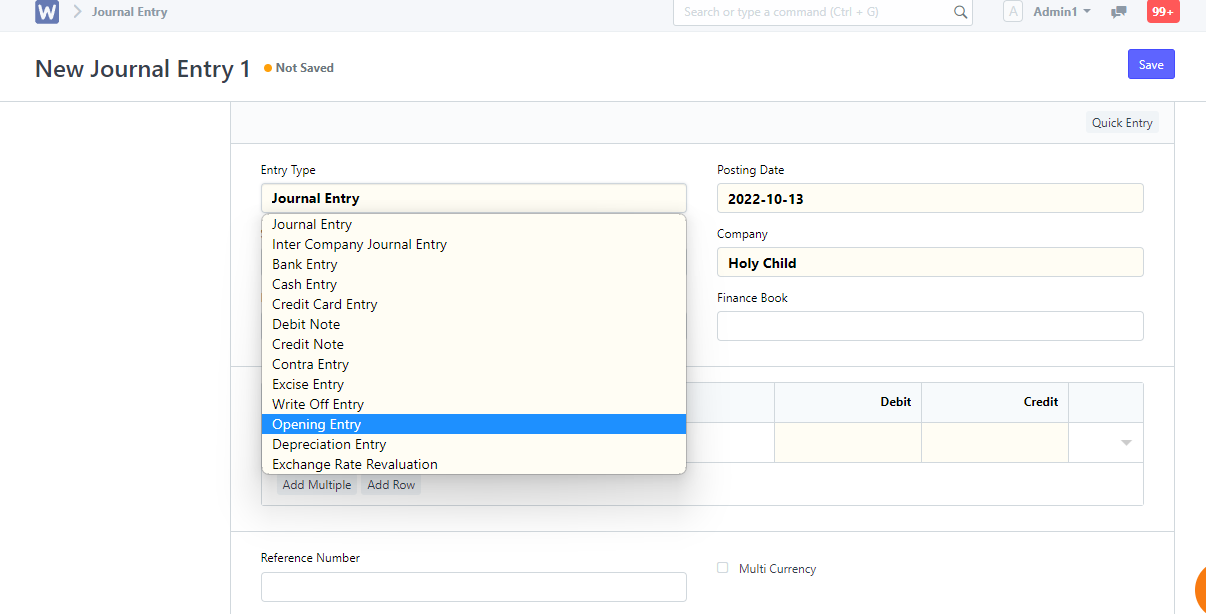
Step 1: Launch the WELA School Portal Step 2: From the dashboard, input in the
The opening balance is the balance that is brought forward at the beginning of an accounting period from the end of a previous accounting period or when starting out.
This also applies when starting a new Company and would like your offline balances to be updated in Wela
If you are a new company, you will have minimal opening balances to be imported. However, if you are migrating from a legacy accounting system like Tally or a Fox Pro based software you will have considerable data to be imported as opening balance.
We recommend that you start using Wela for accounting from a new financial year, but you could start midway too. To set up your accounts, you will need the following for the “day” you start using accounting in Wela
If you were using another accounting software before, you should close financial statements in that software first. The closing balance of the accounts should be updated as an opening balance in the Wela. Before starting to update opening balance, ensure that your Chart of Accounts has all the Accounts required.
Opening entry is only for Balance Sheet accounts and not for Profit and Loss Accounts