Lesson Plan Manual
Step 1: Launch the WELA School Portal Step 2: From the dashboard, input in the

It will be easier to identify student details and school year information.
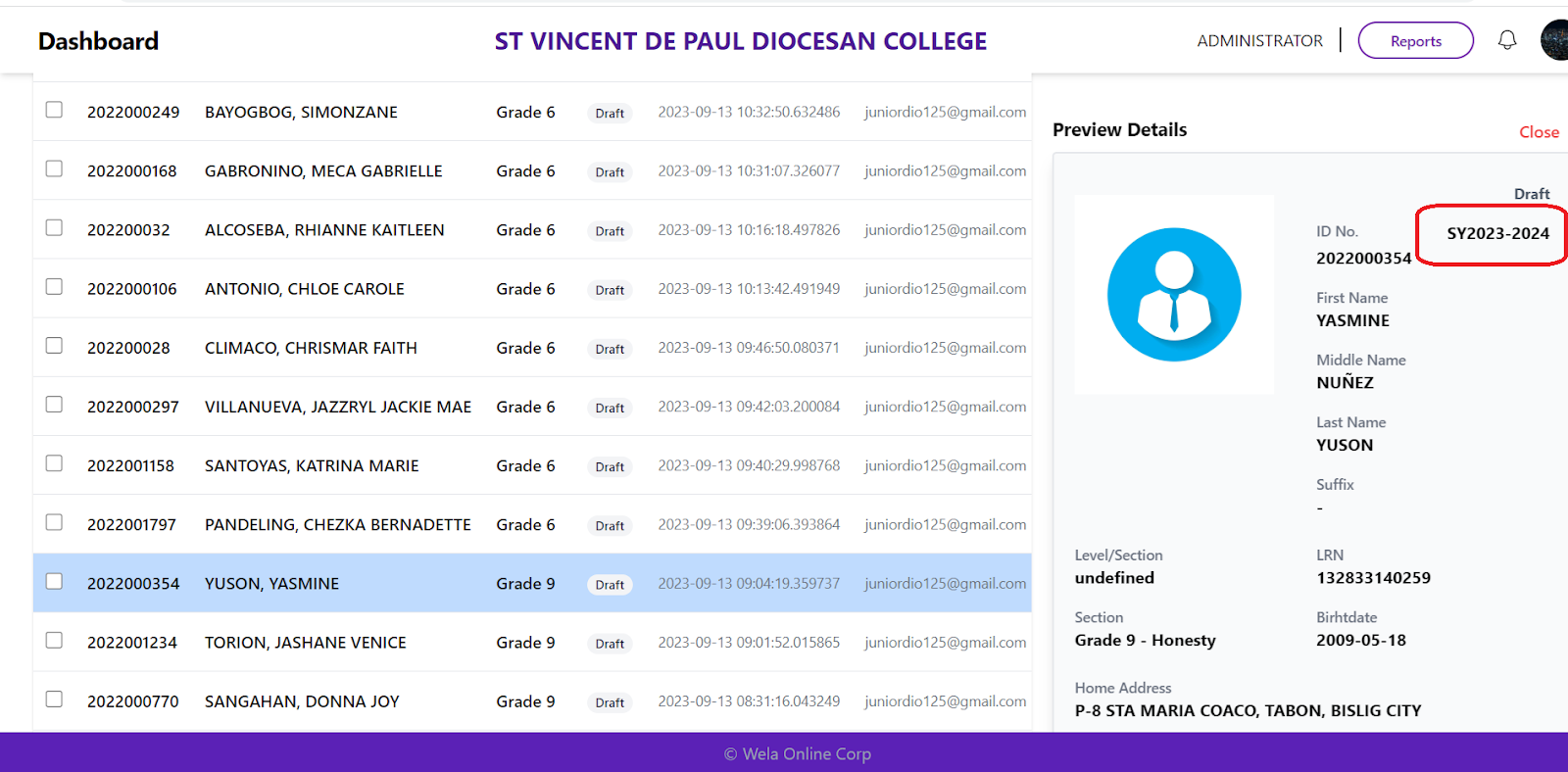
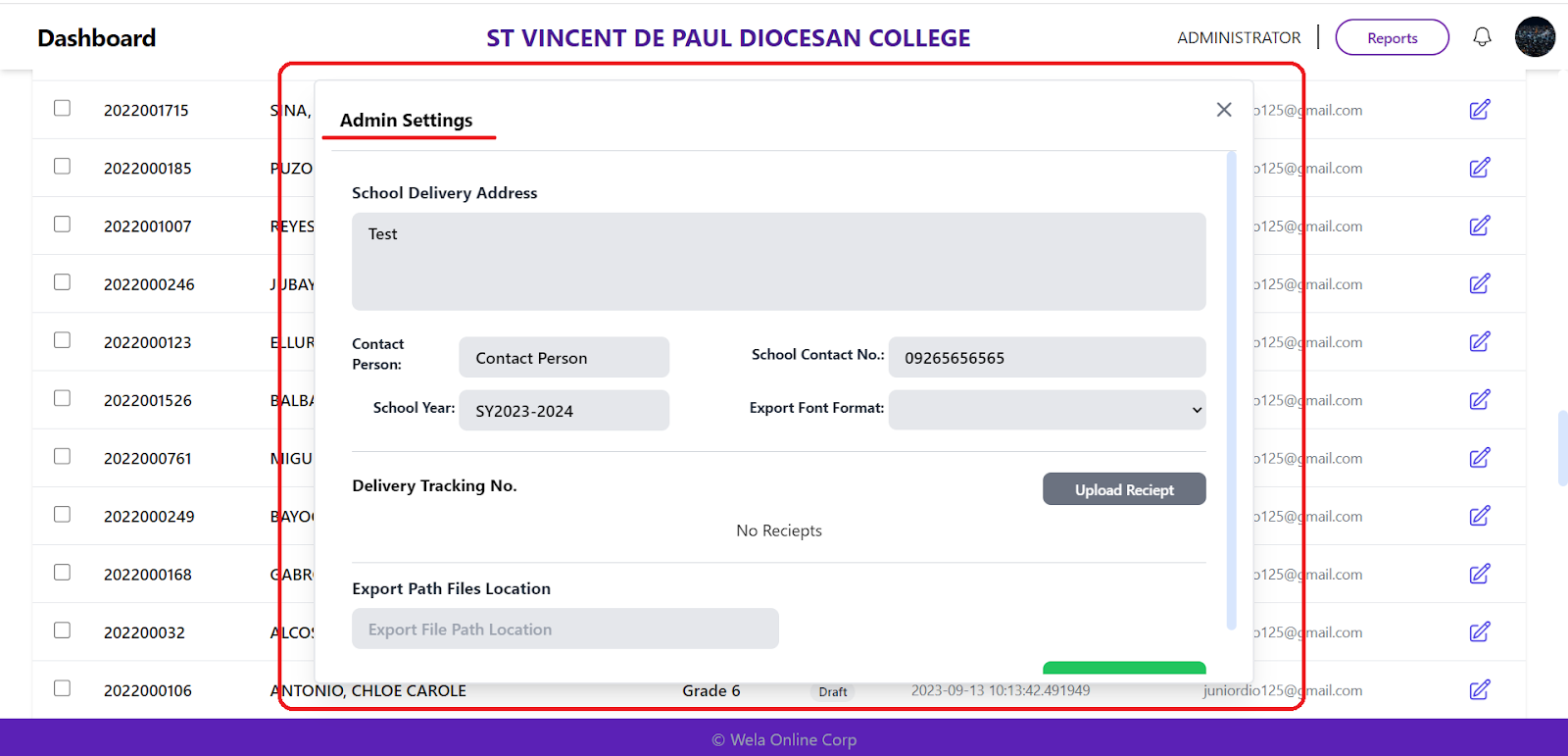
To enhance admin functions.
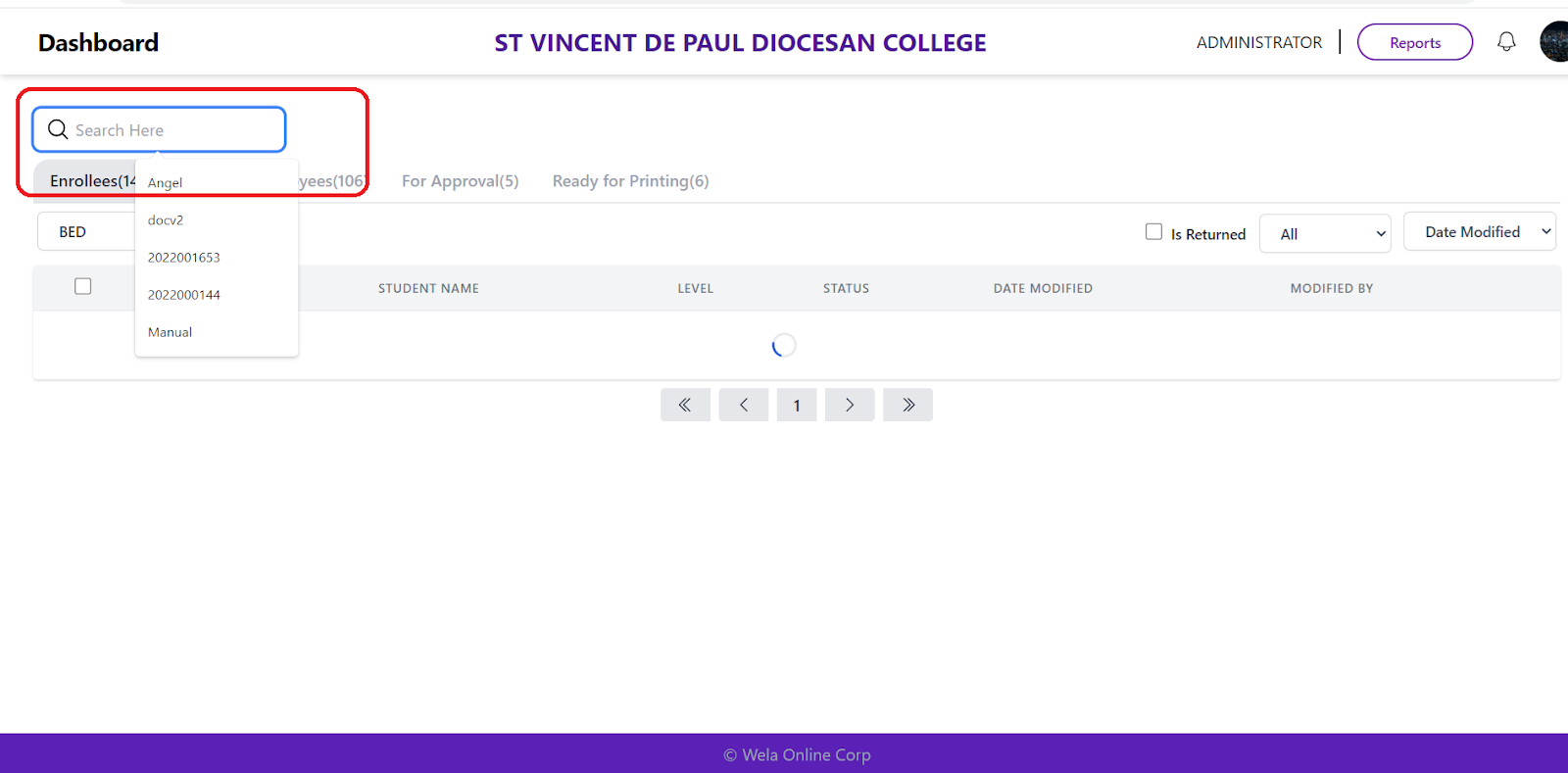
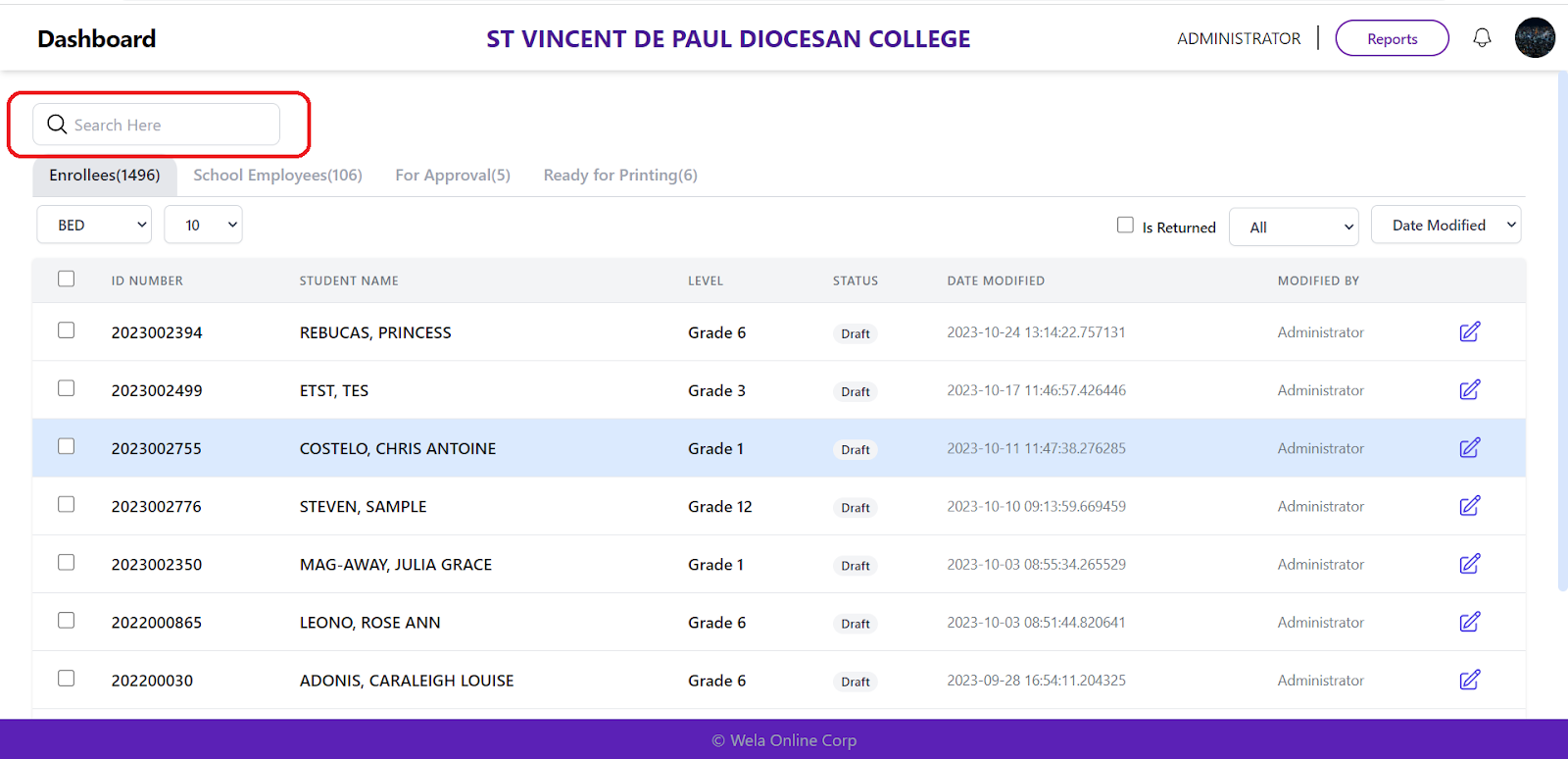
Helps users find students/employees without navigating through the entire site.
Allow users to view the same data of student/teacher.
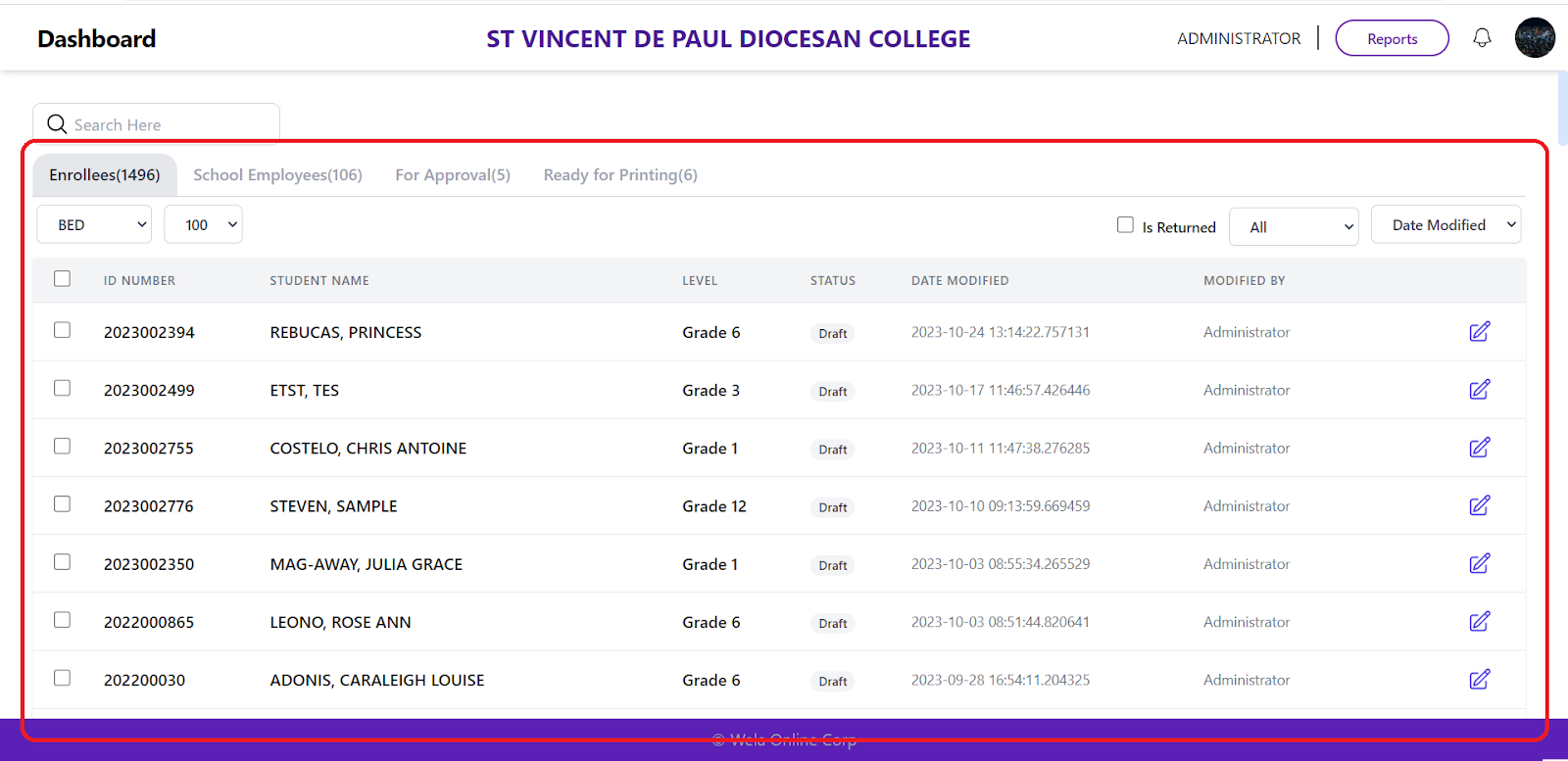
To present the RFID data for users.
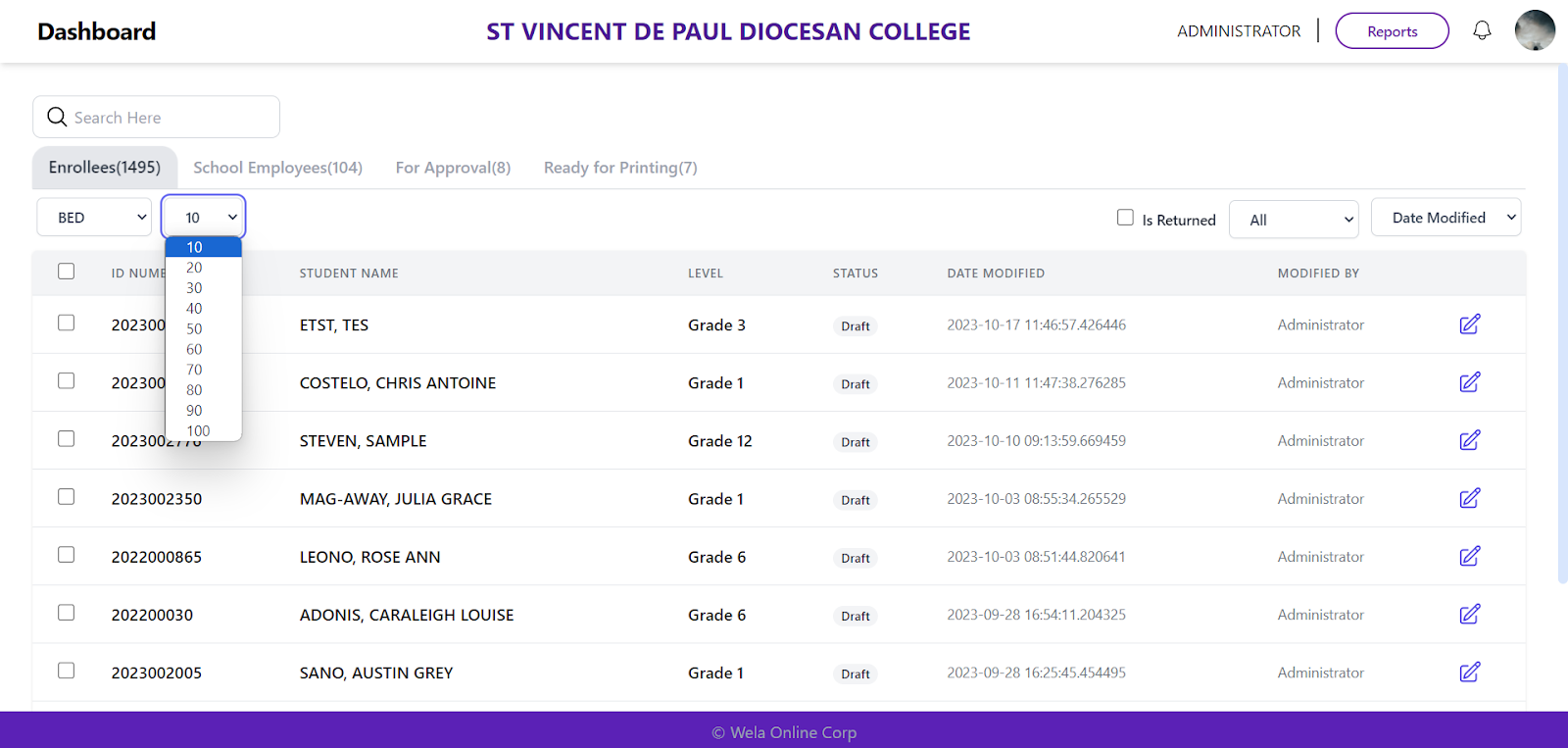
To show the number of lists to be generated per page.
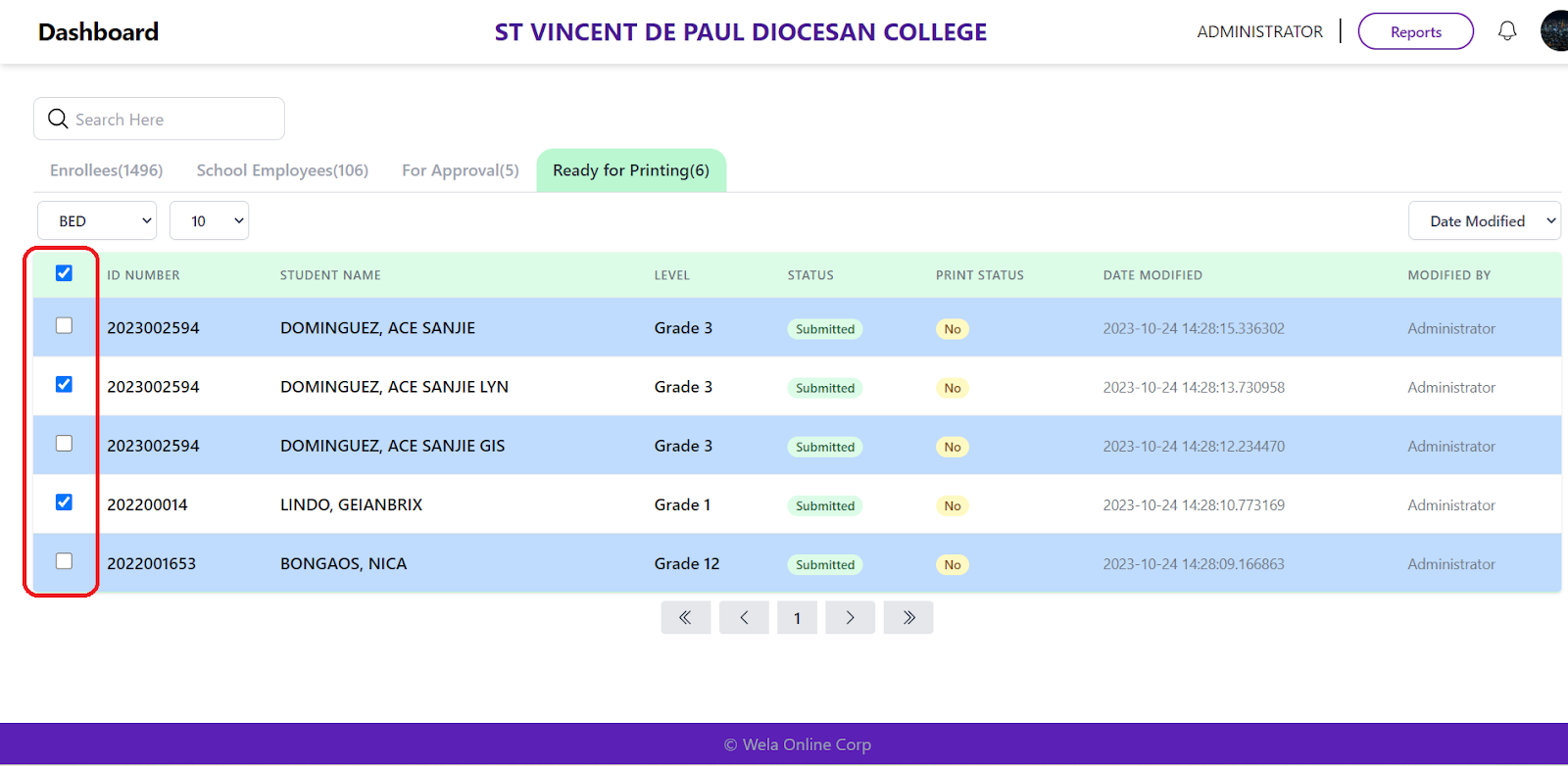
Filtering reprint student/employee.
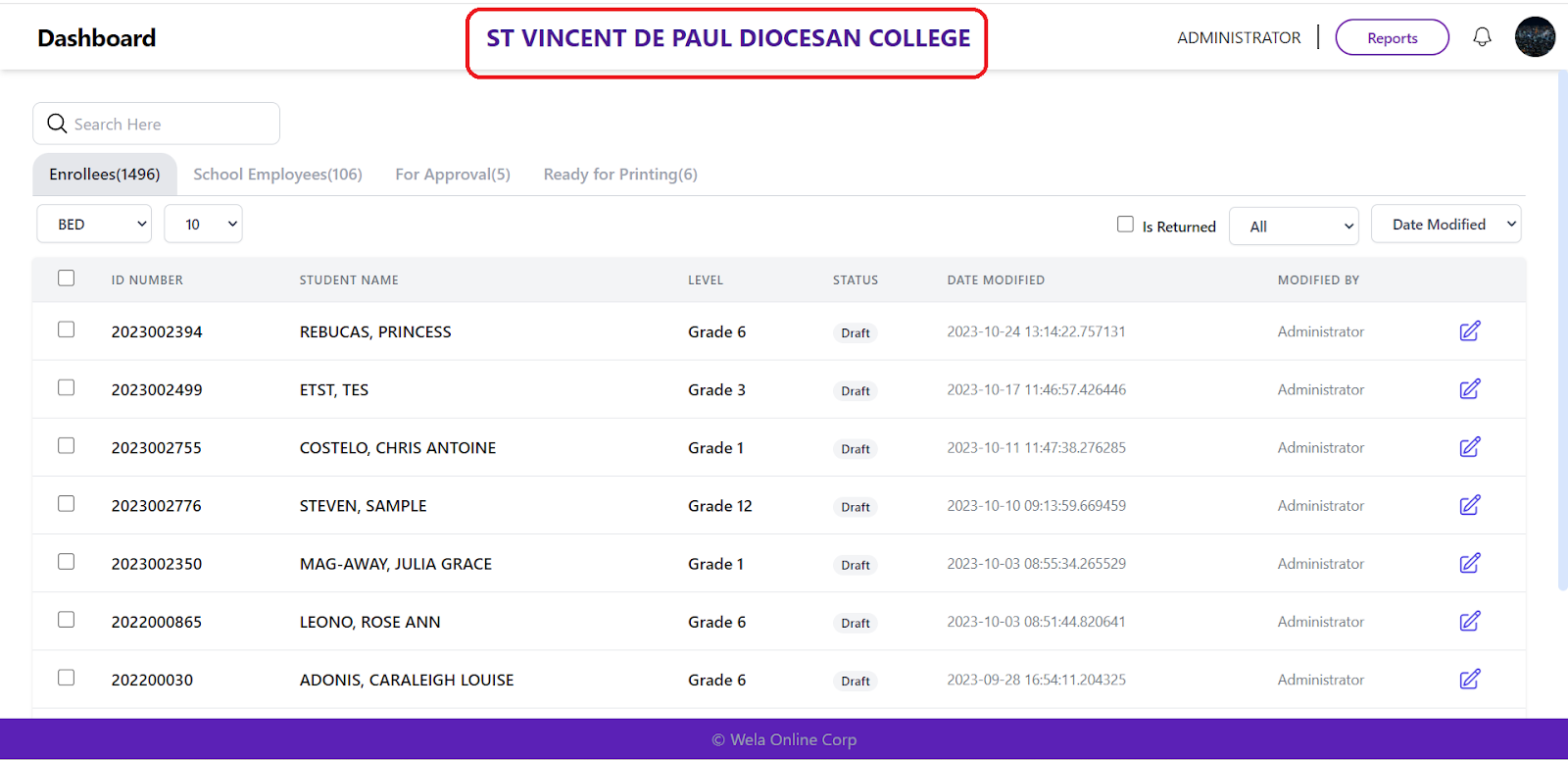
To identify what school data is displayed on RFID.
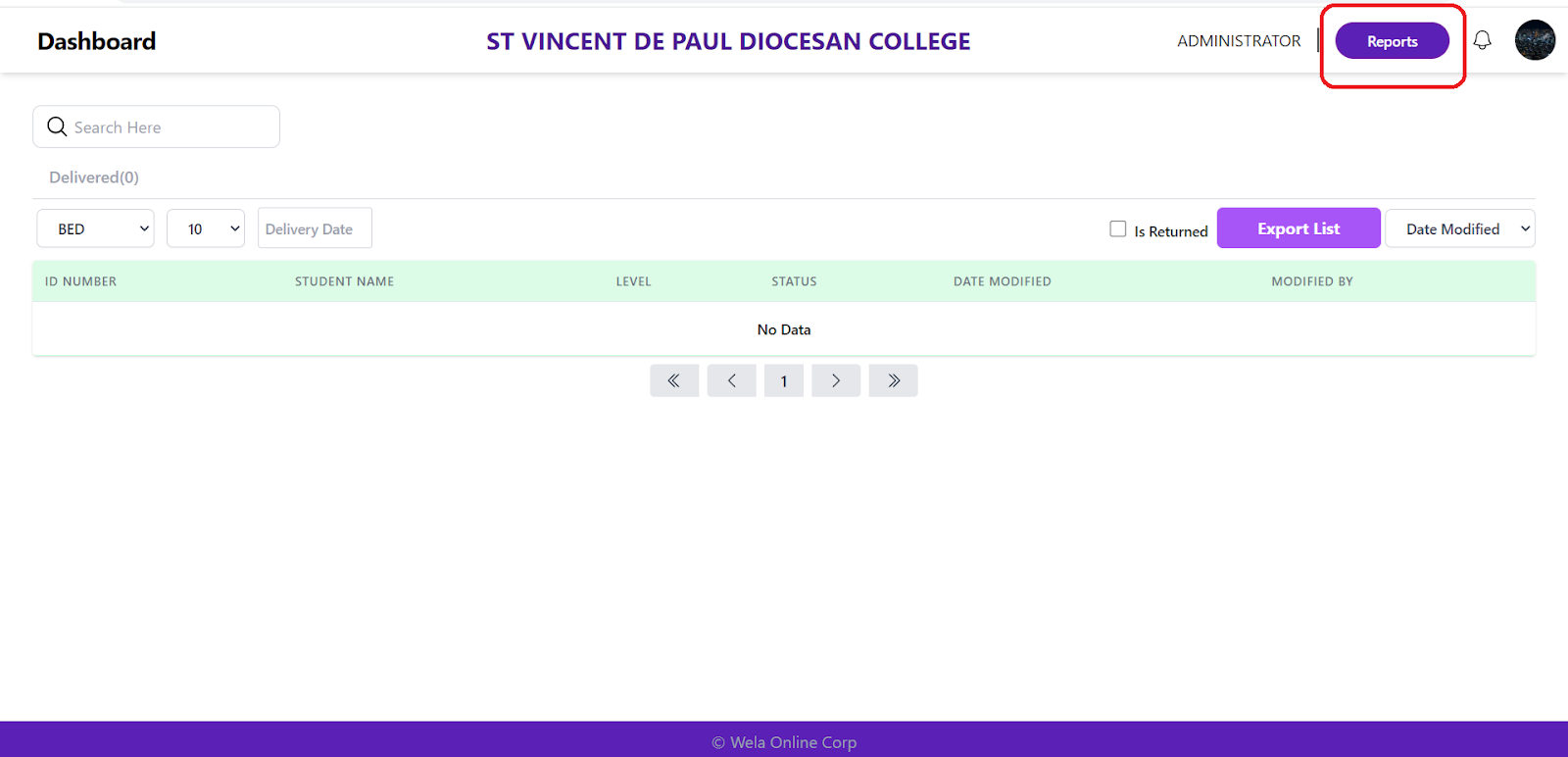
Able to export the list of names and levels that will be delivered.
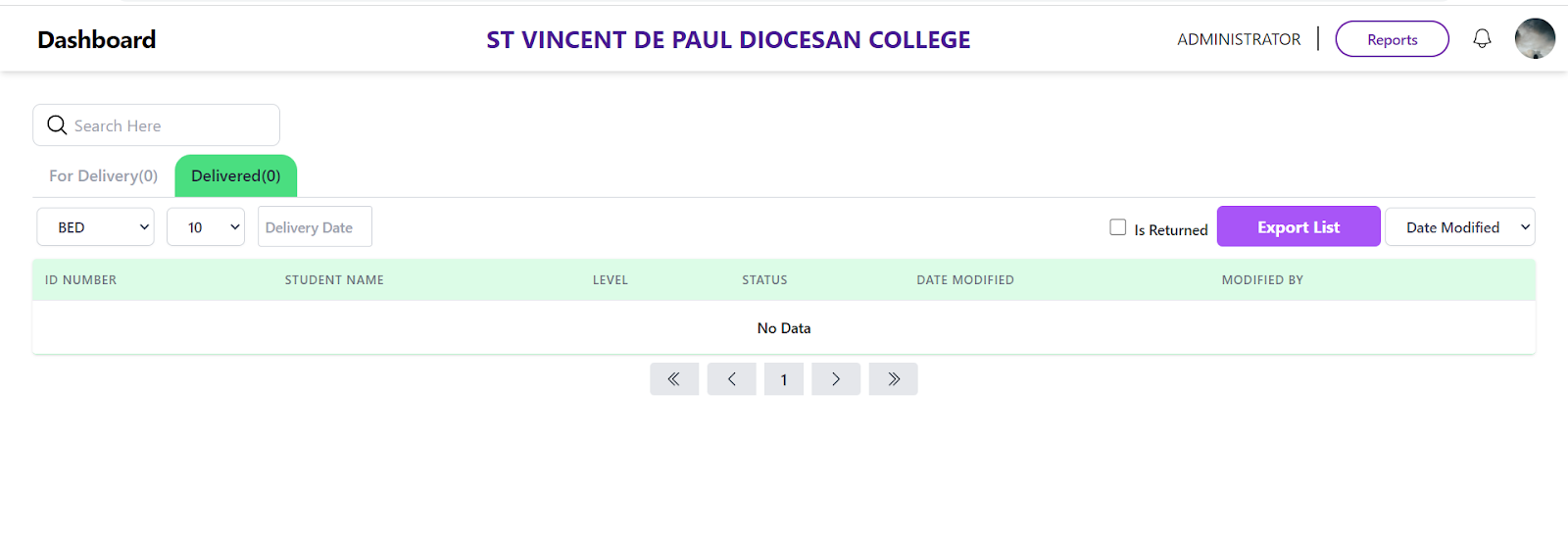
Able to have user access to RFID Checker.
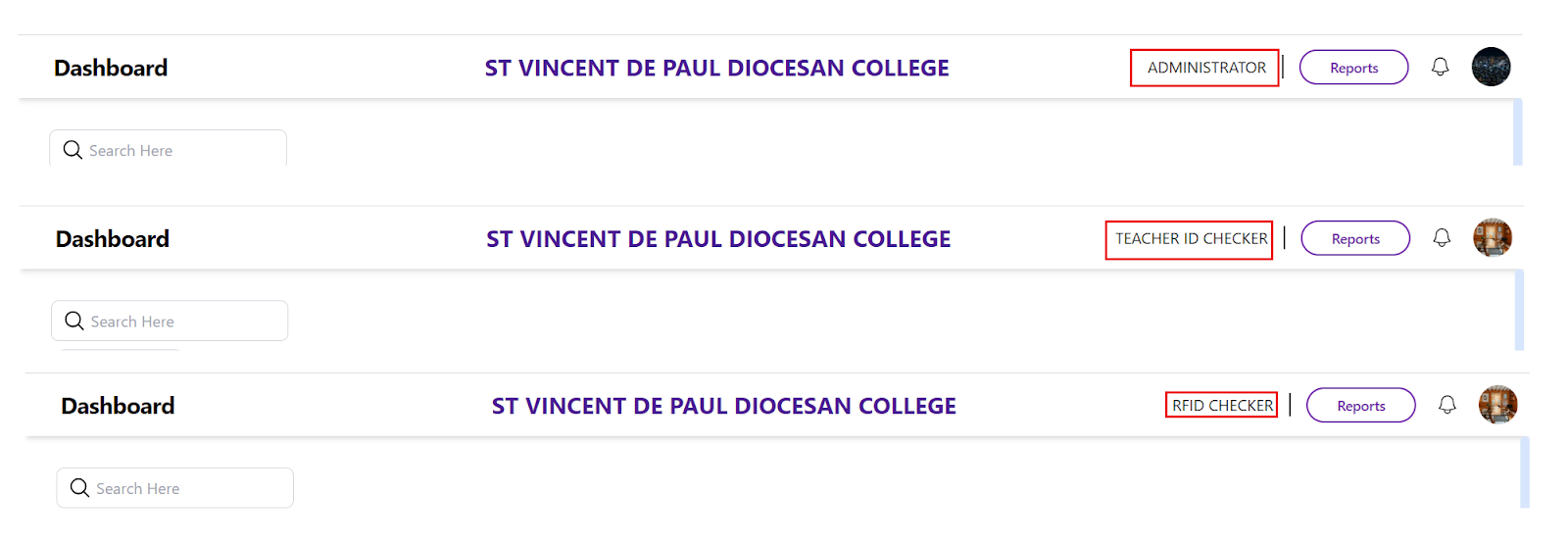
By tapping on the RFID reader student/teacher info will display on the RFID checker.
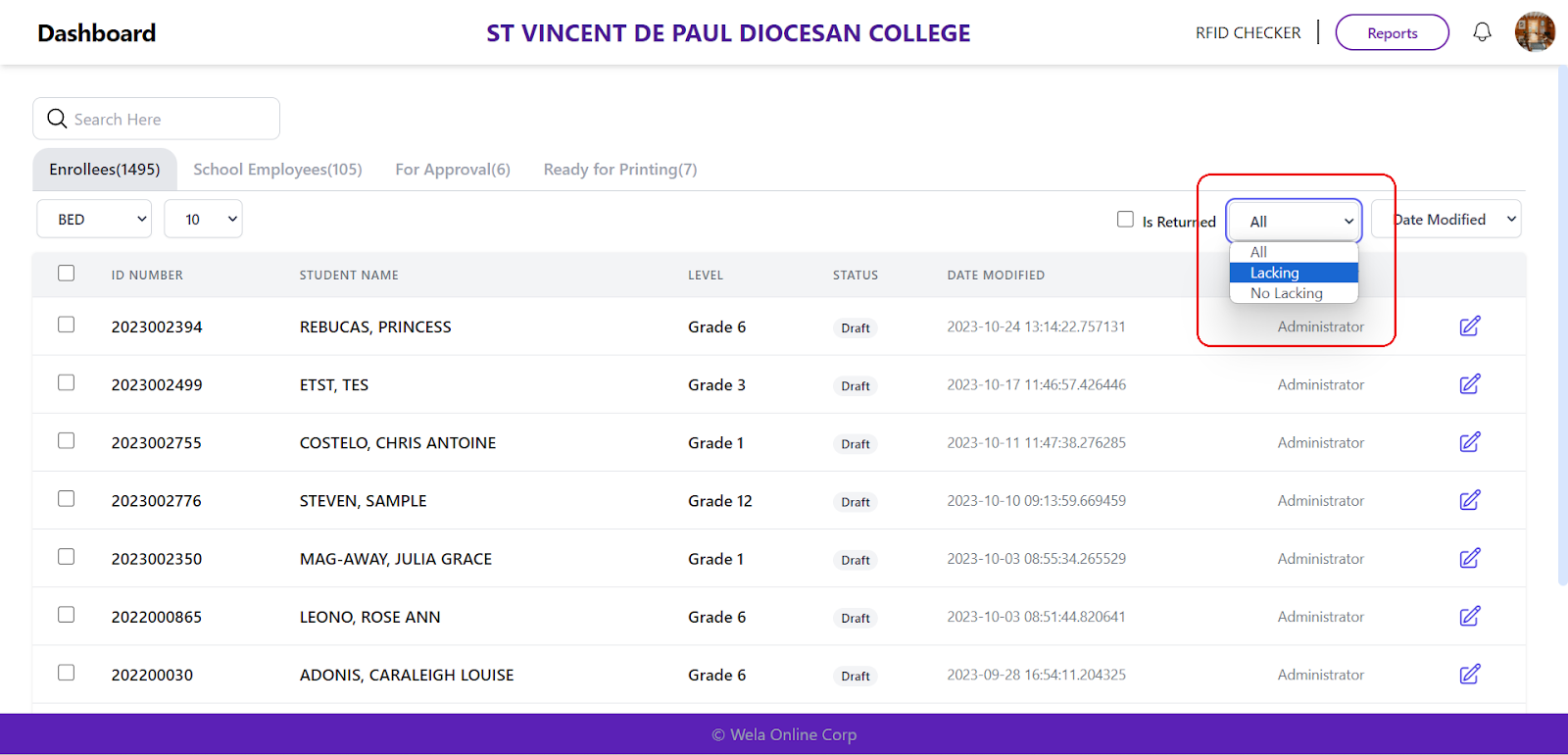
To show lacking and not lacking info of students.
To display only the unwithdrawn students.
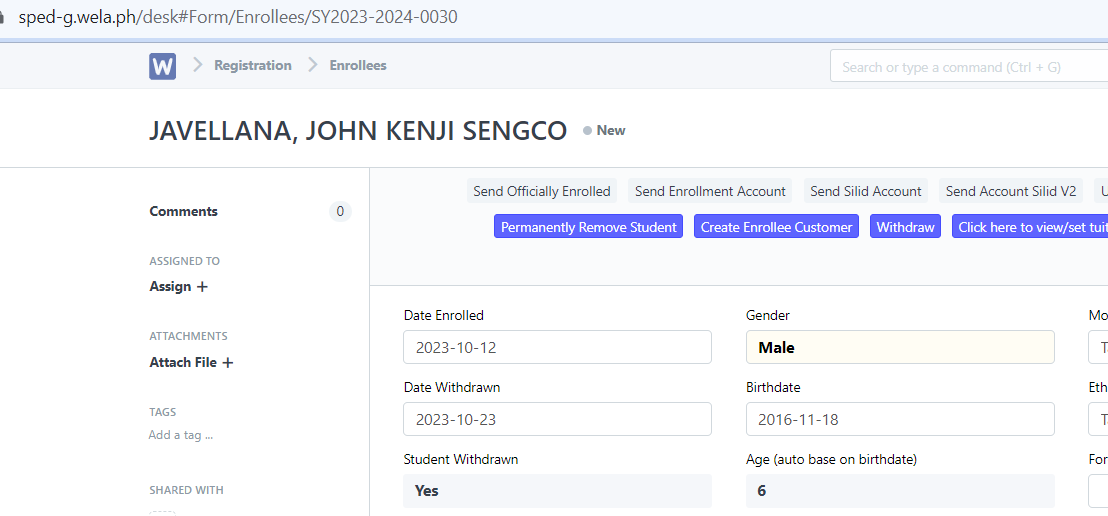
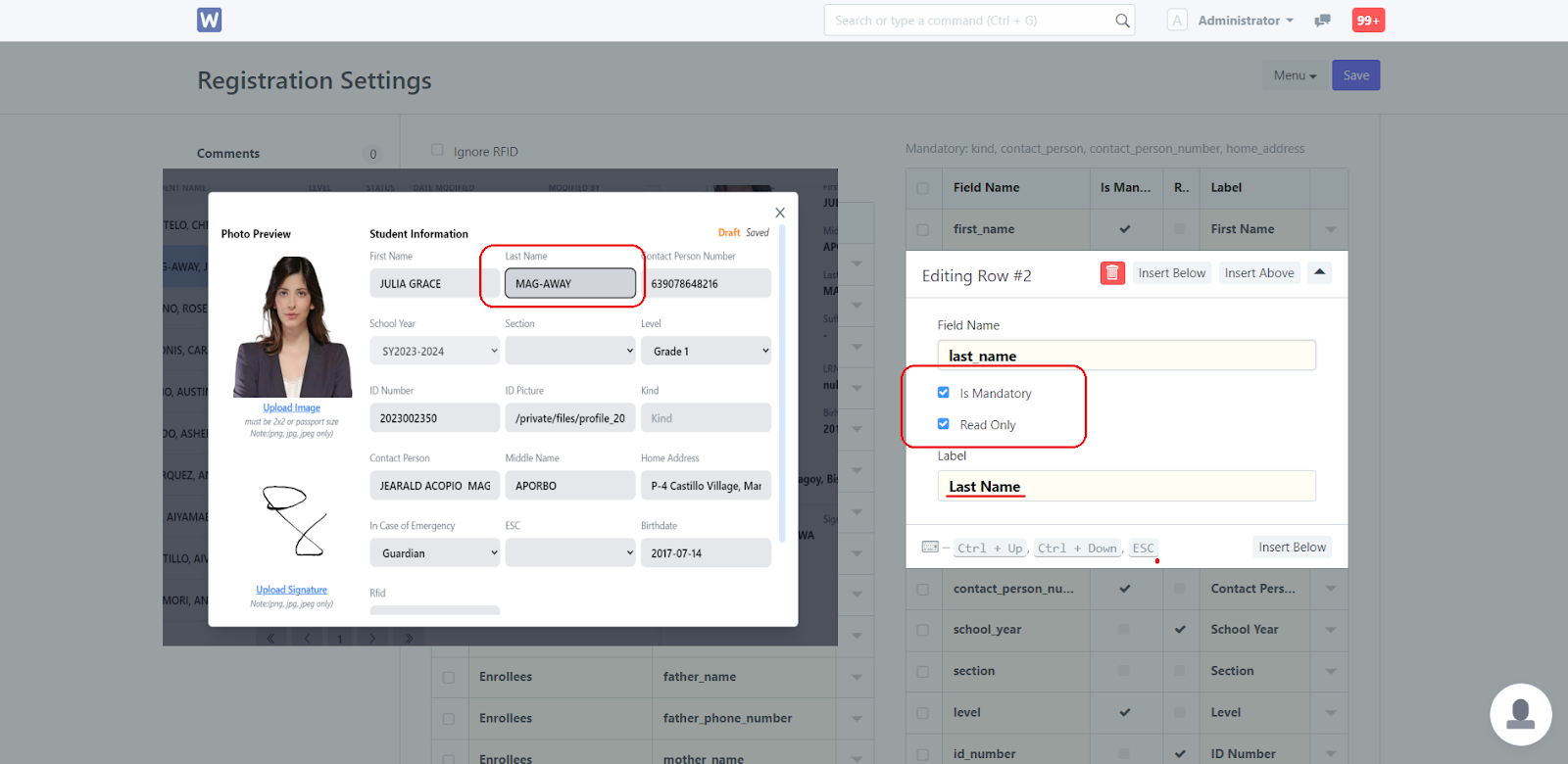
To distinguish fields that are mandatory and read only.
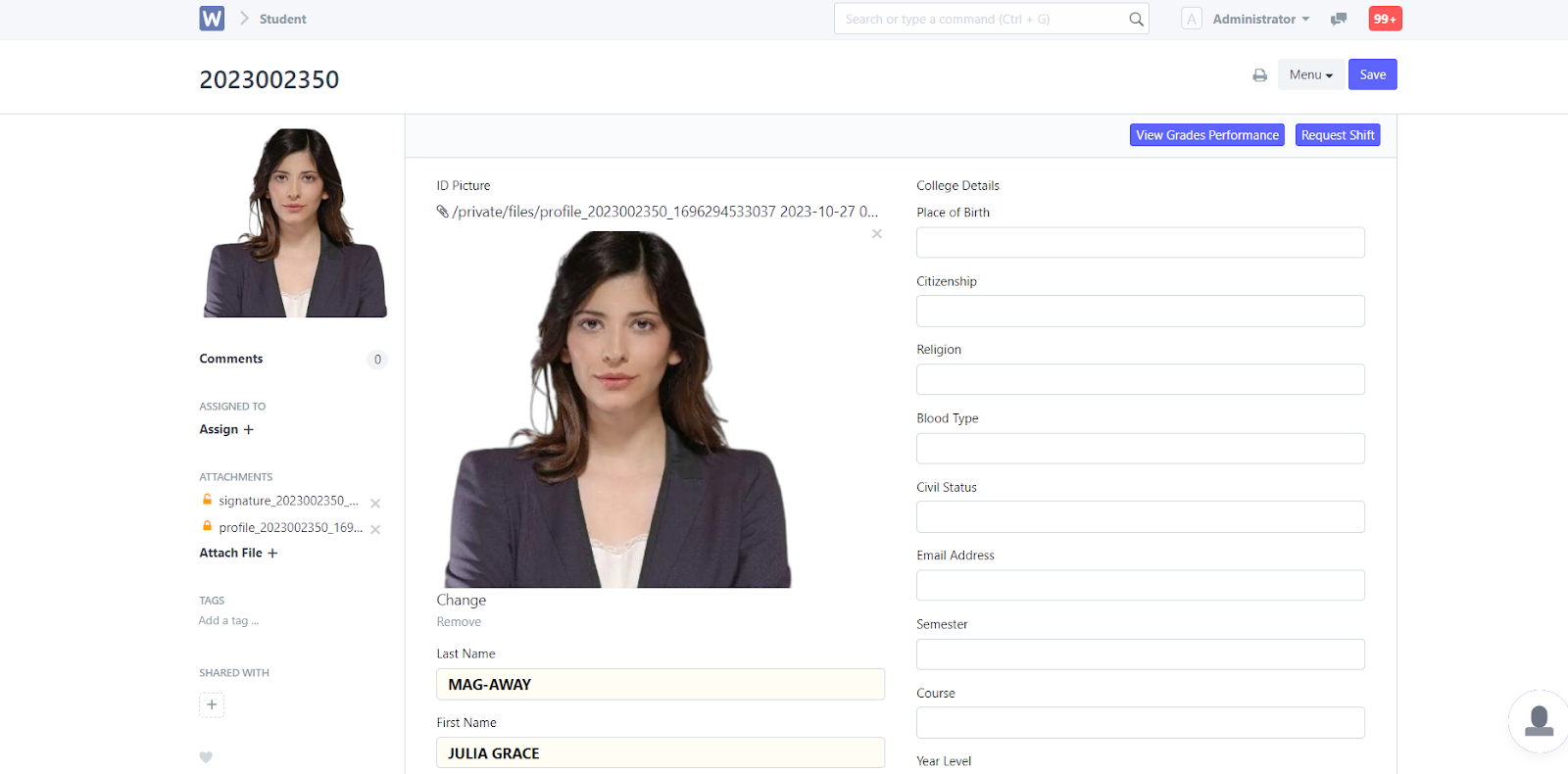
To display the uploaded image in the portal.
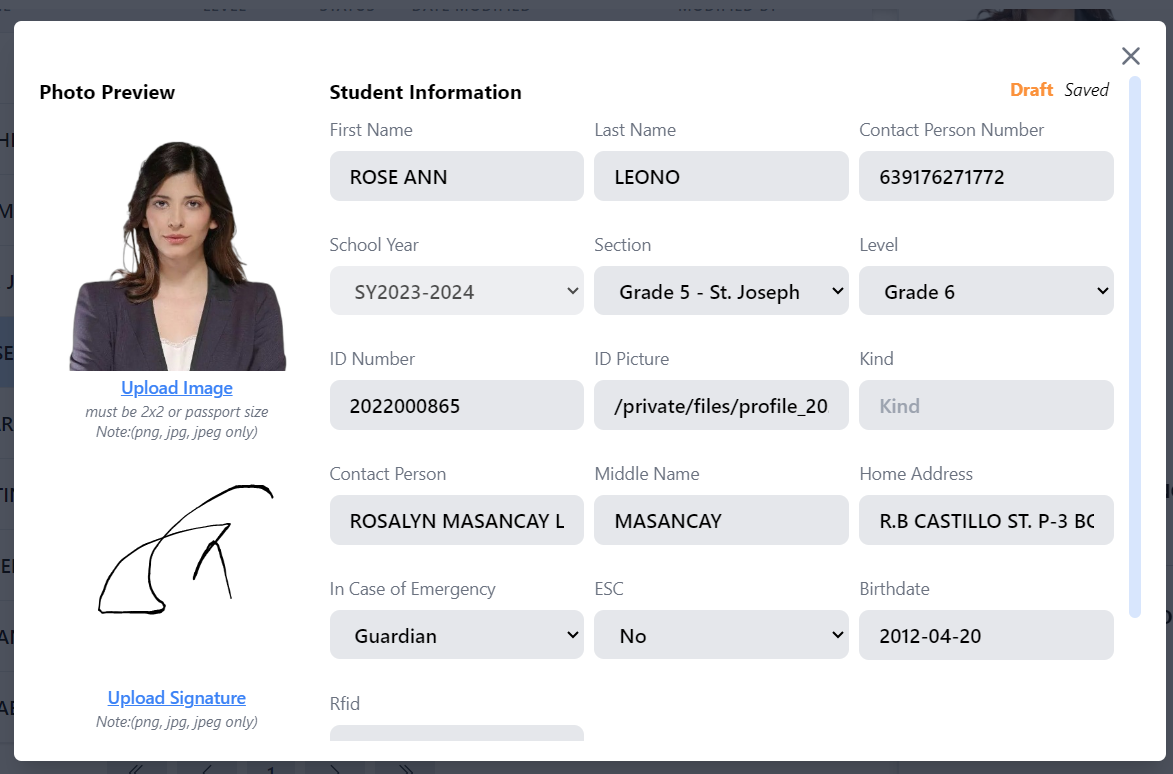
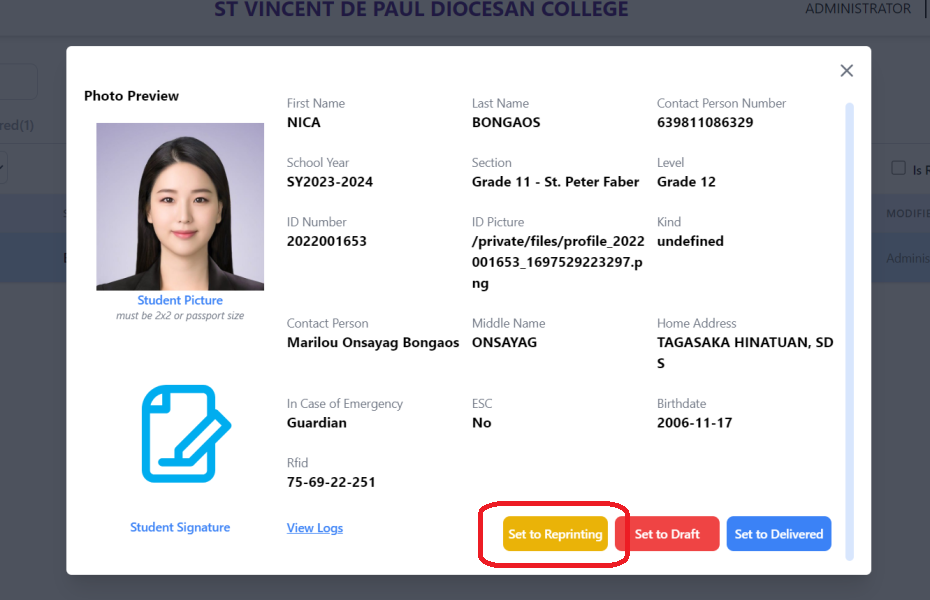
To display the info of the student/teacher.
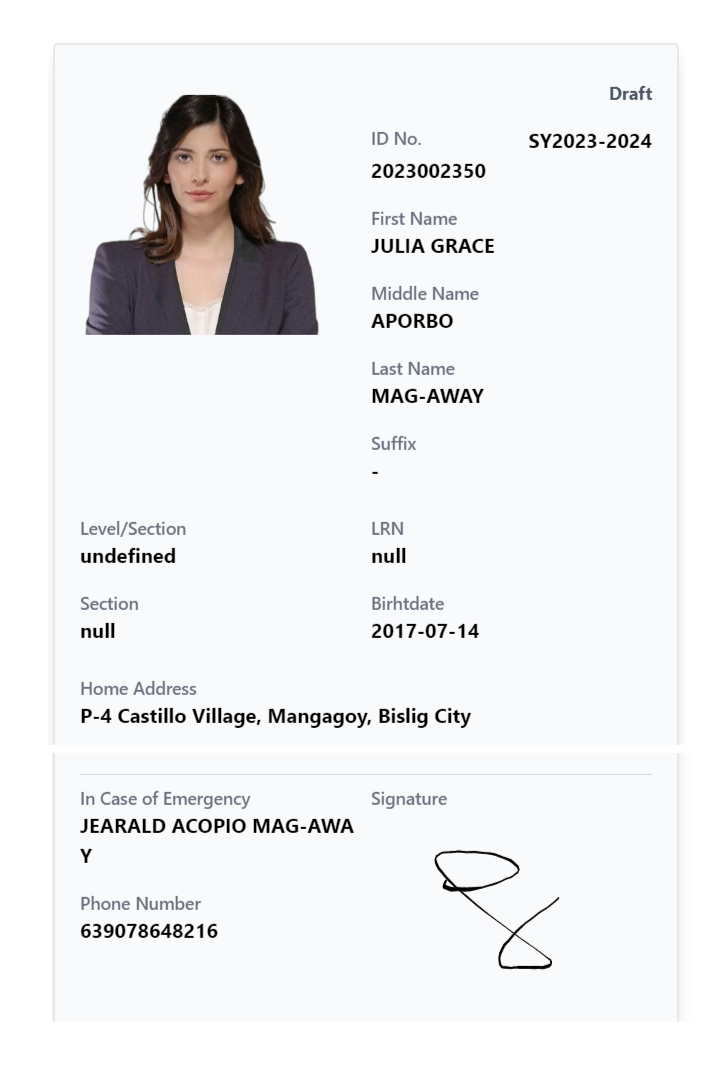
To leave comments before reprinting.
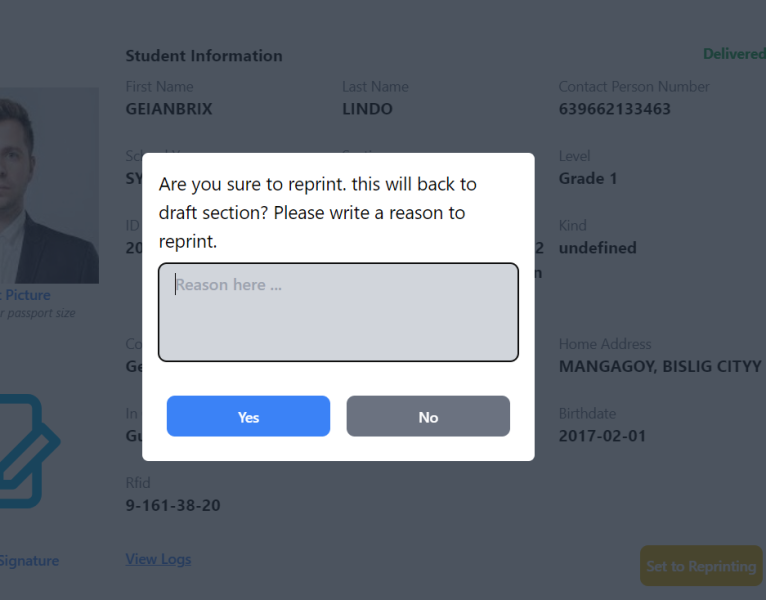
To be able to track the delivery schedule of RFID
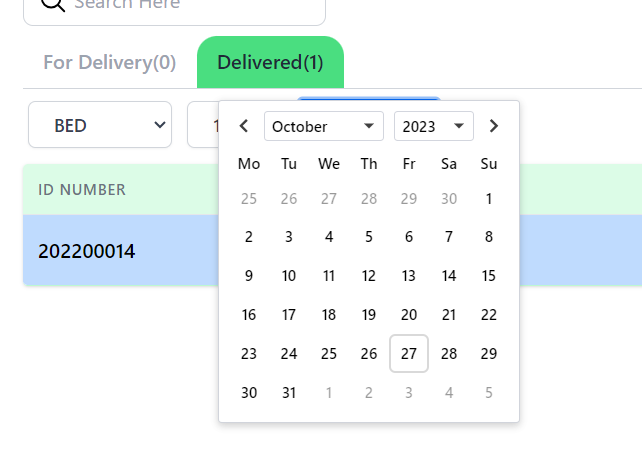
To be able to identify the type of device to deliver and to monitor its status.
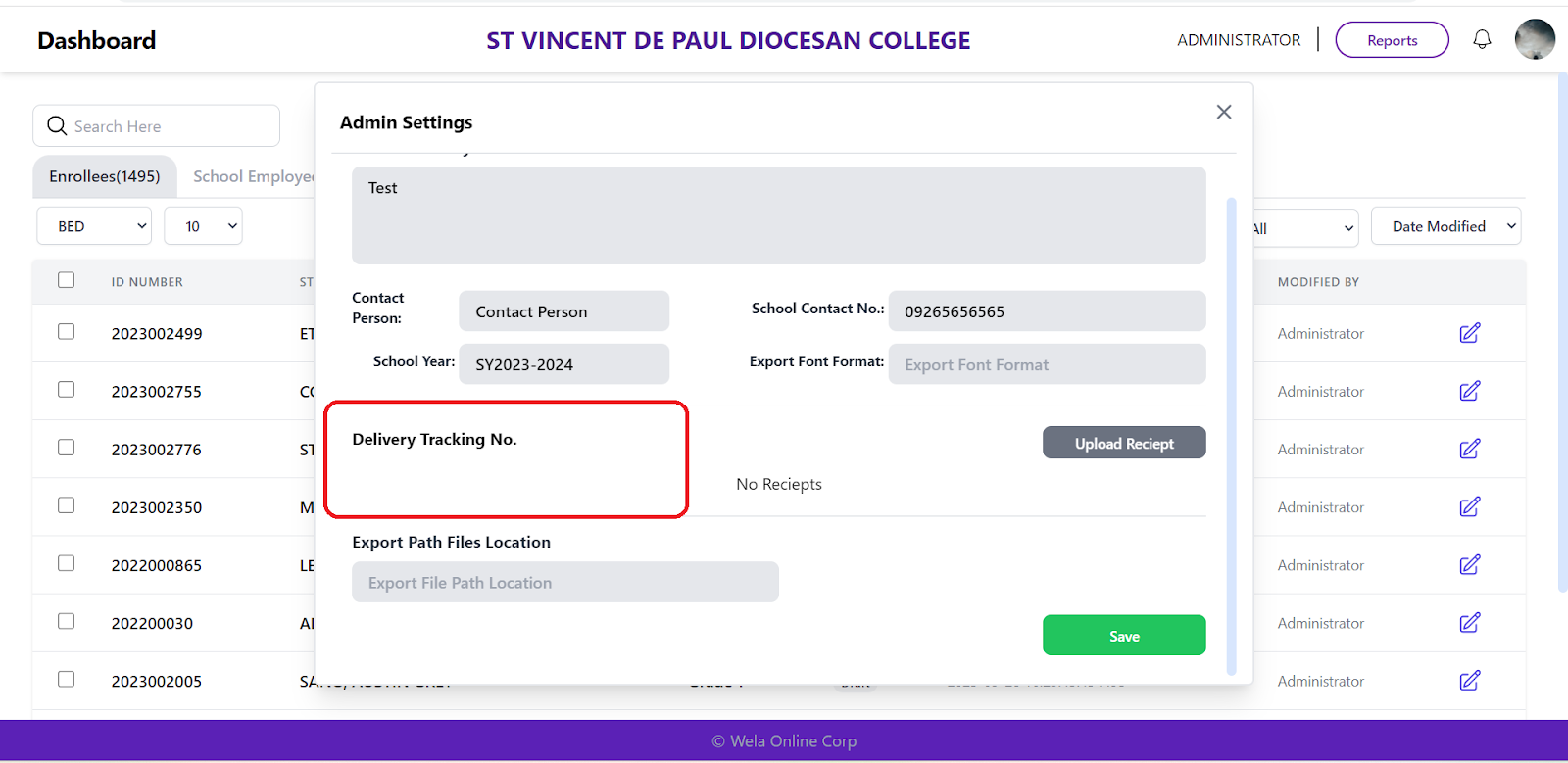
To have easier approval of transactions.
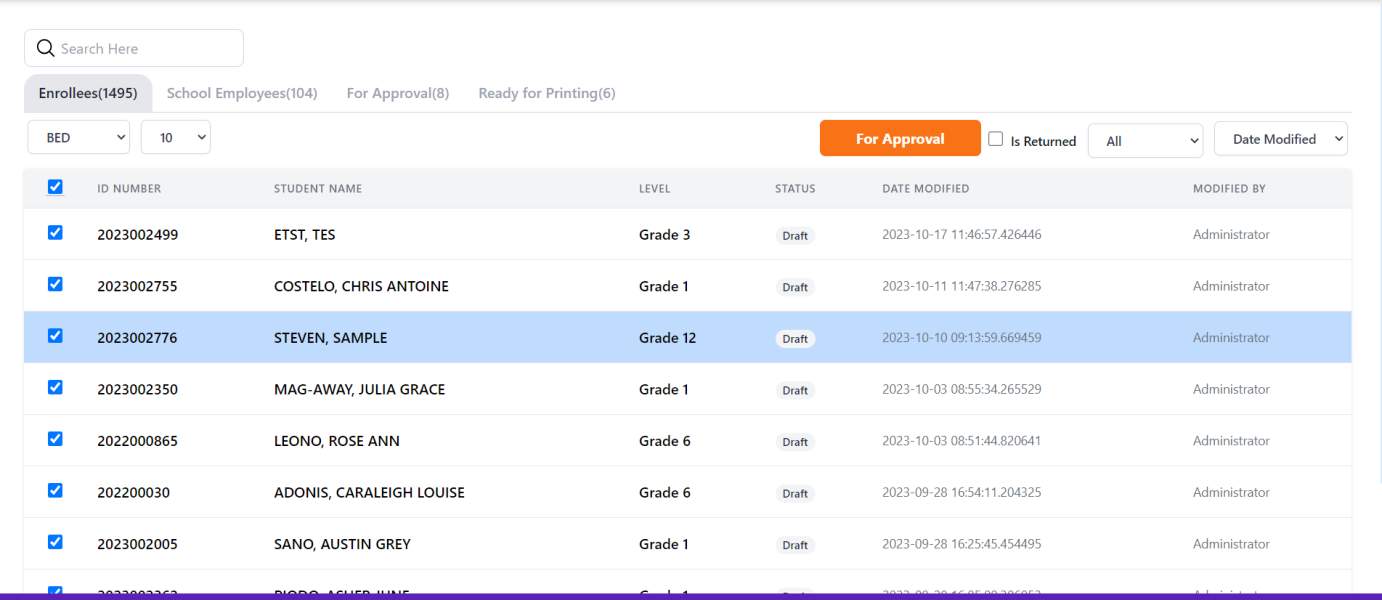
To successfully reprint student/teacher rfid.
To be able to set fonts all capitalize or small letters for export csv process.
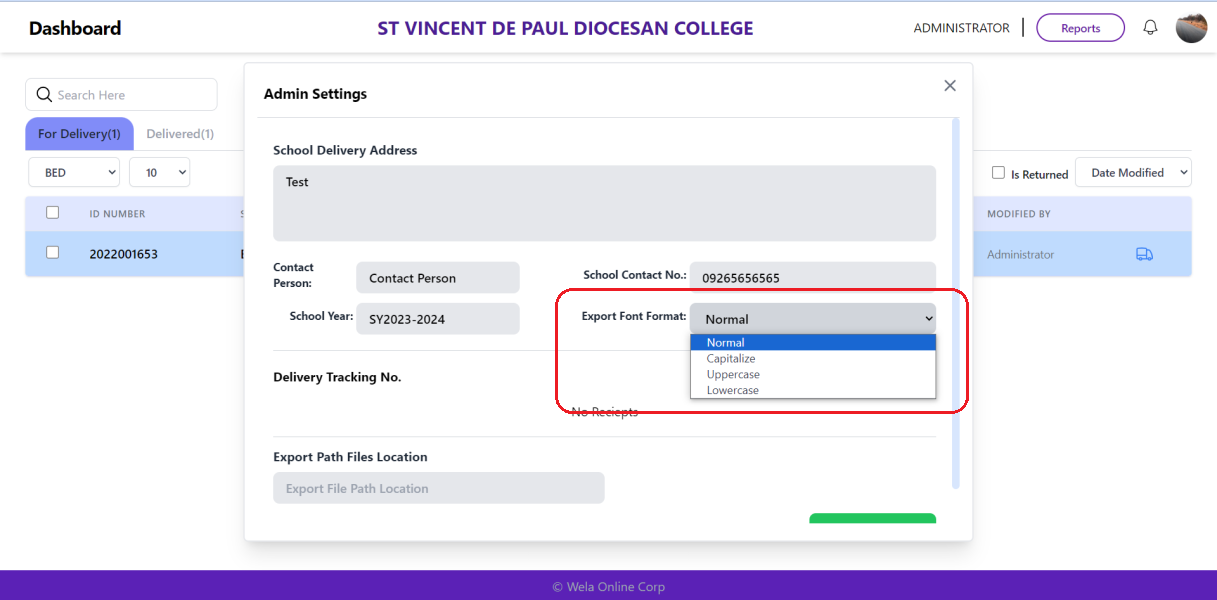
under admin settings.