Lesson Plan Manual
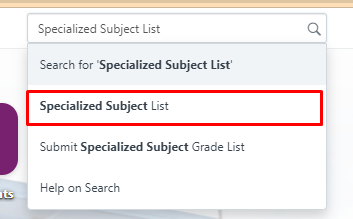
Step 1: Launch the WELA School Portal Step 2: From the dashboard, input in the
Skip to main contentPostsPublishedUpdate
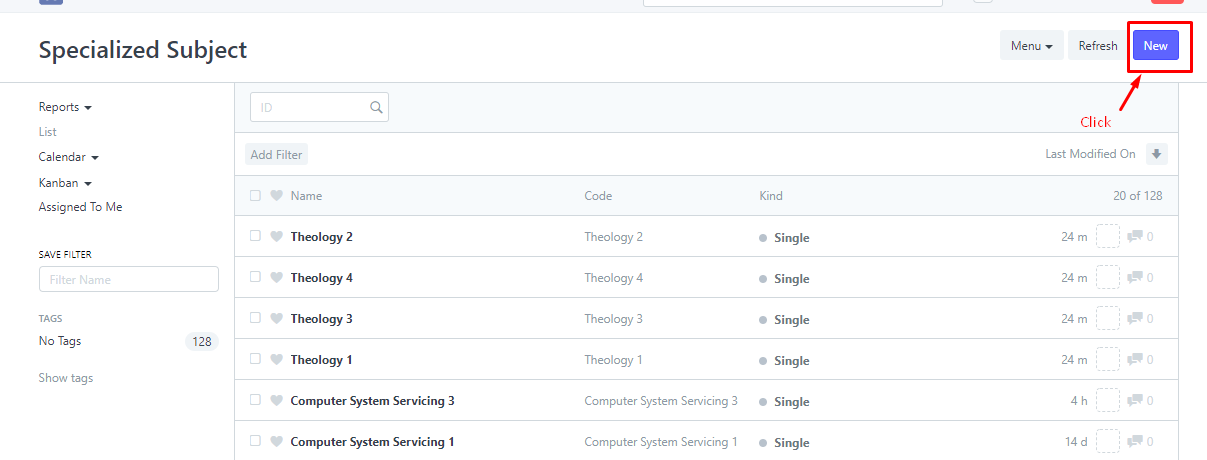
2. Click “New” to Create/Edit Subject.
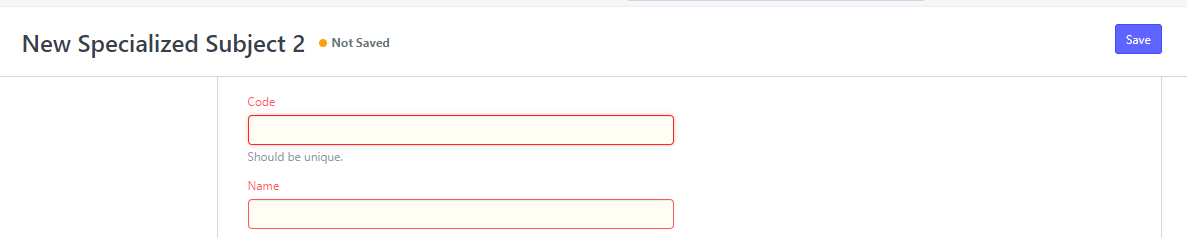
3. Input the Subject Code and Name.
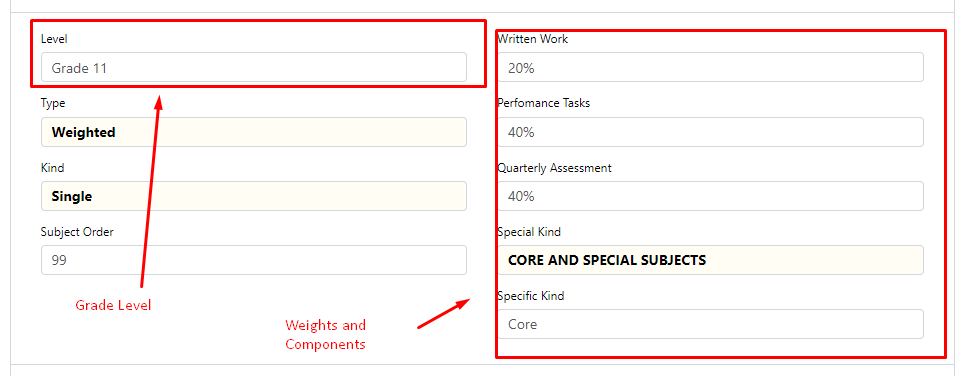
4. Input the Grade Level and weights and components of the subject.
Note : You can classify the subject as Core/Applied/Specialized and so on.
5. After inputting the information, click the “Save” button.